Week Notes November 15, 2026
Living Room Redesign
After living in the same apartment for nearly 9 years, so I have a much better idea of how I use (or want to use) the space than when I first moved in. I’d like it to be both functional and aestheticly pleasing. A few updates from this week:
Zigbee Button Icons
I use Home Assistant to automate my lights, shades, music, and more. I have Aqara Mini Switches to trigger some of these automations so that I don’t have to fumble with my phone to interact with my home.
While I know what the buttons are for, they aren’t intuitive without a mental map of the whole underlying system. I used my Cricut Joy and icons from The Noun Project to create visual labels:
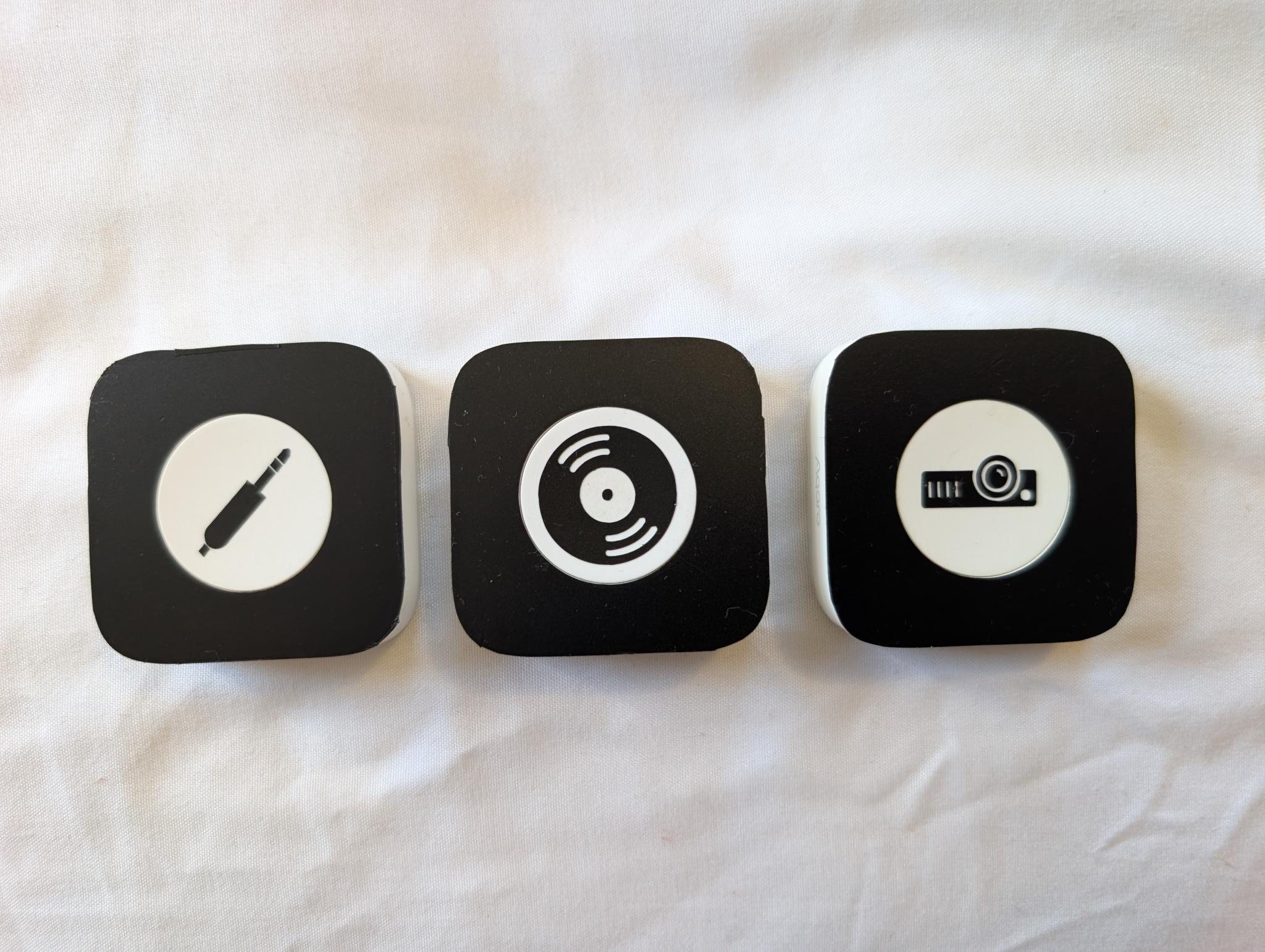
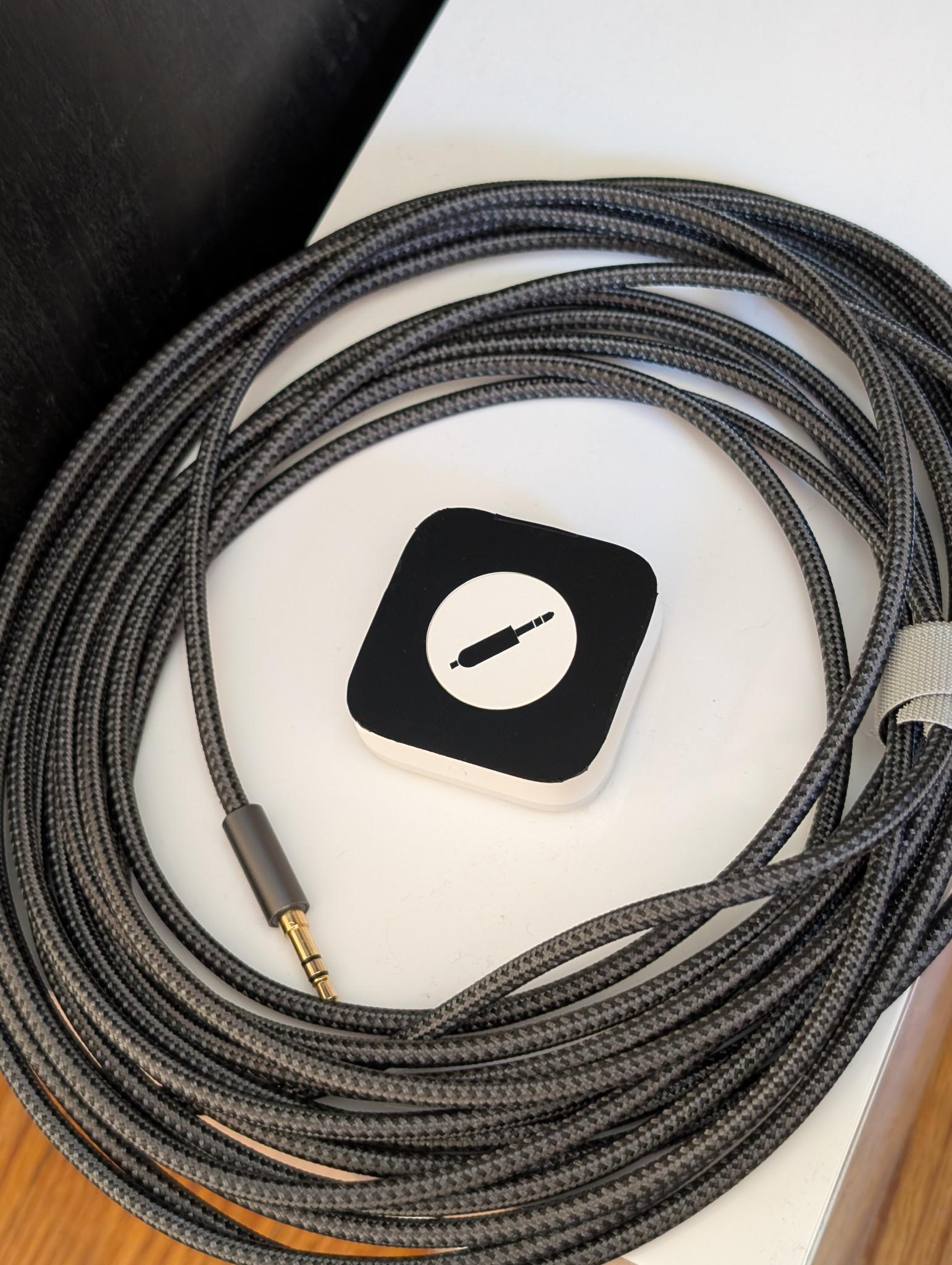
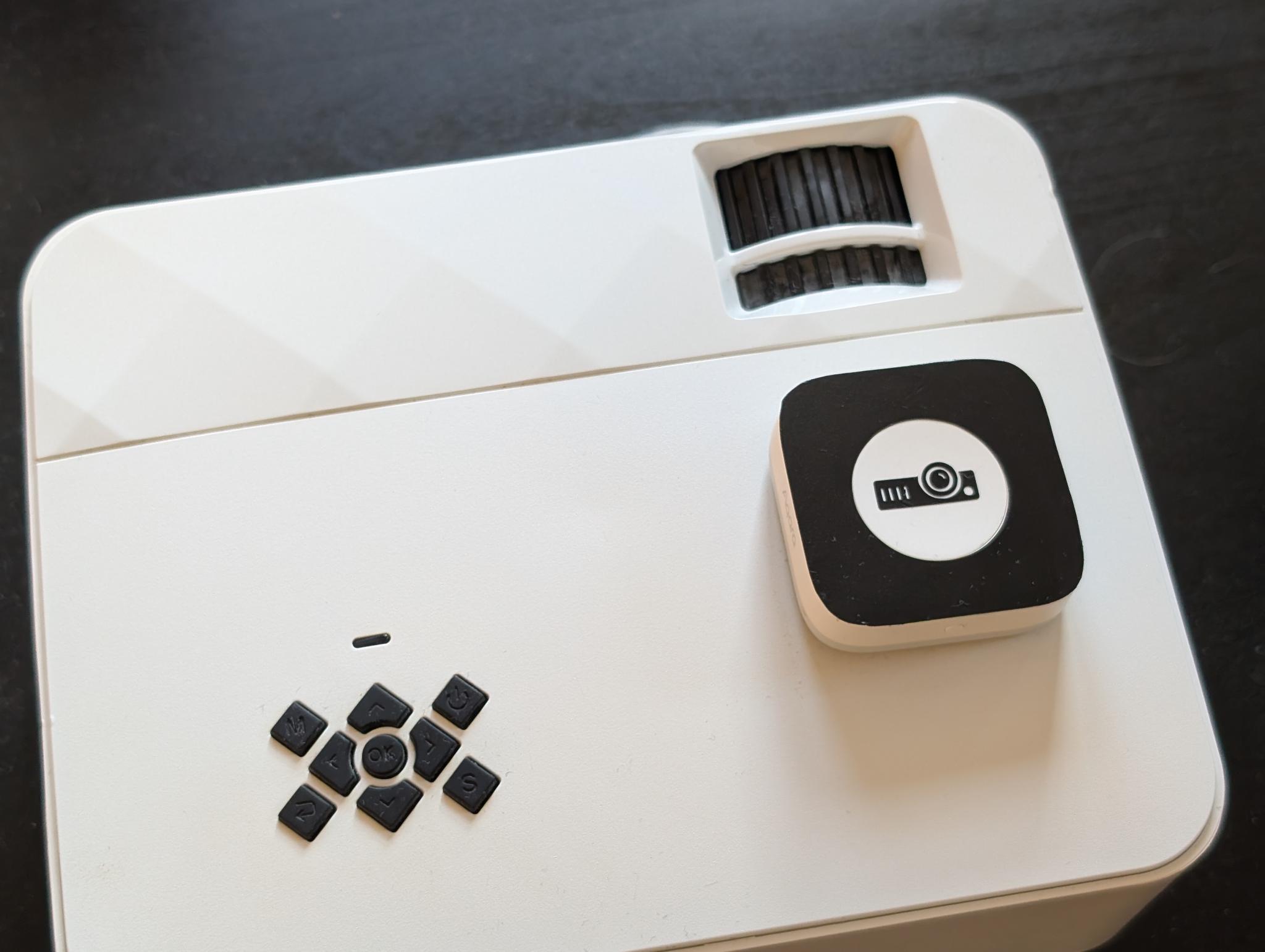
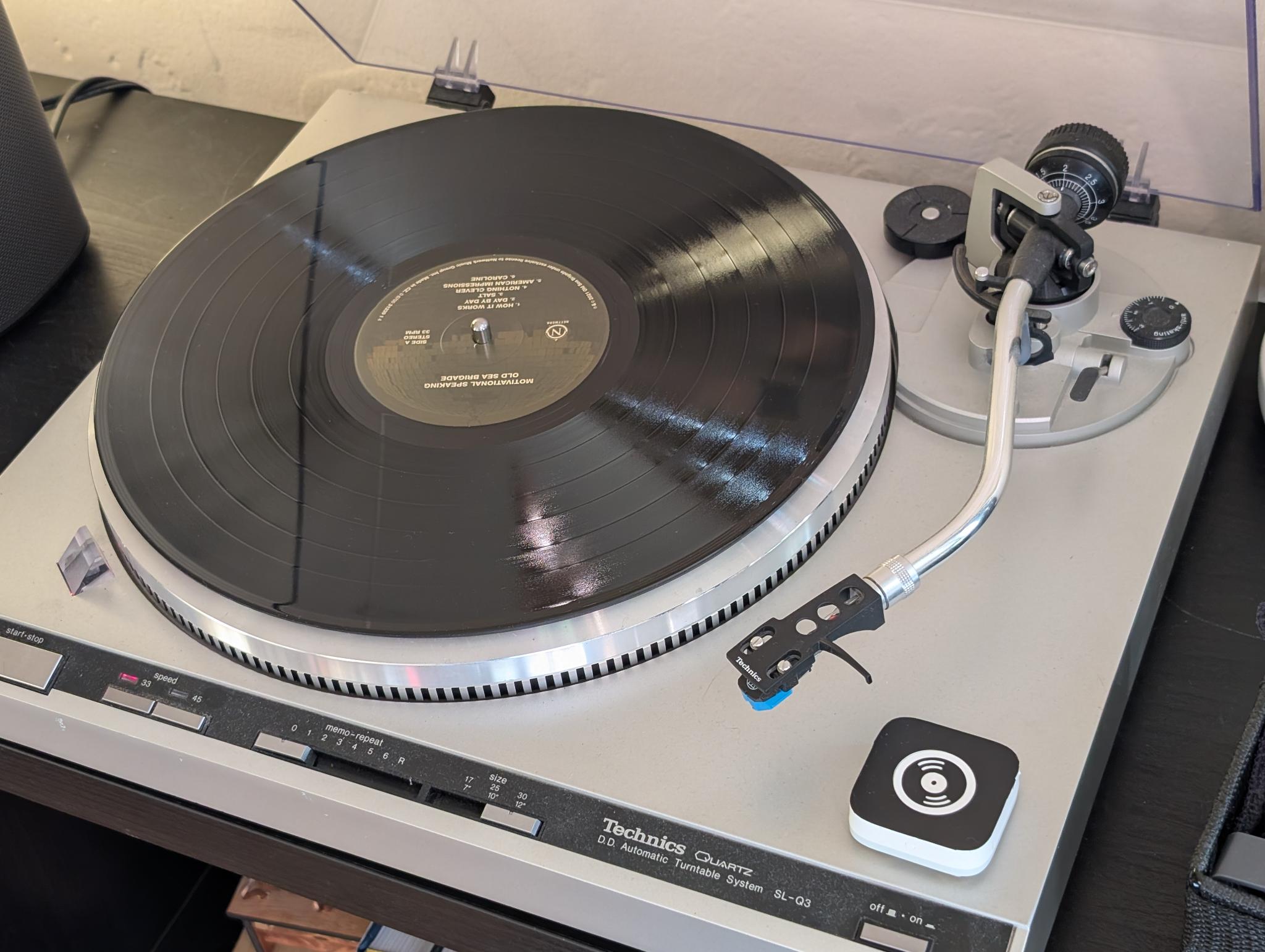
To me, the significance of a smart home is reducing the cognitive load for the user. With these buttons, I can communicate my intent (e.g. “I want to listen to a record”) and let the system take care of the behind-the-scenes details (e.g. “tell the analog input relay to switch to the turntable and play this through the Sonos speakers”).
This allows anyone to operate the system without memorizing specialized instructions and ensures the user-facing process is always the same even if I need to change the setup under the hood.
Sculpture Light
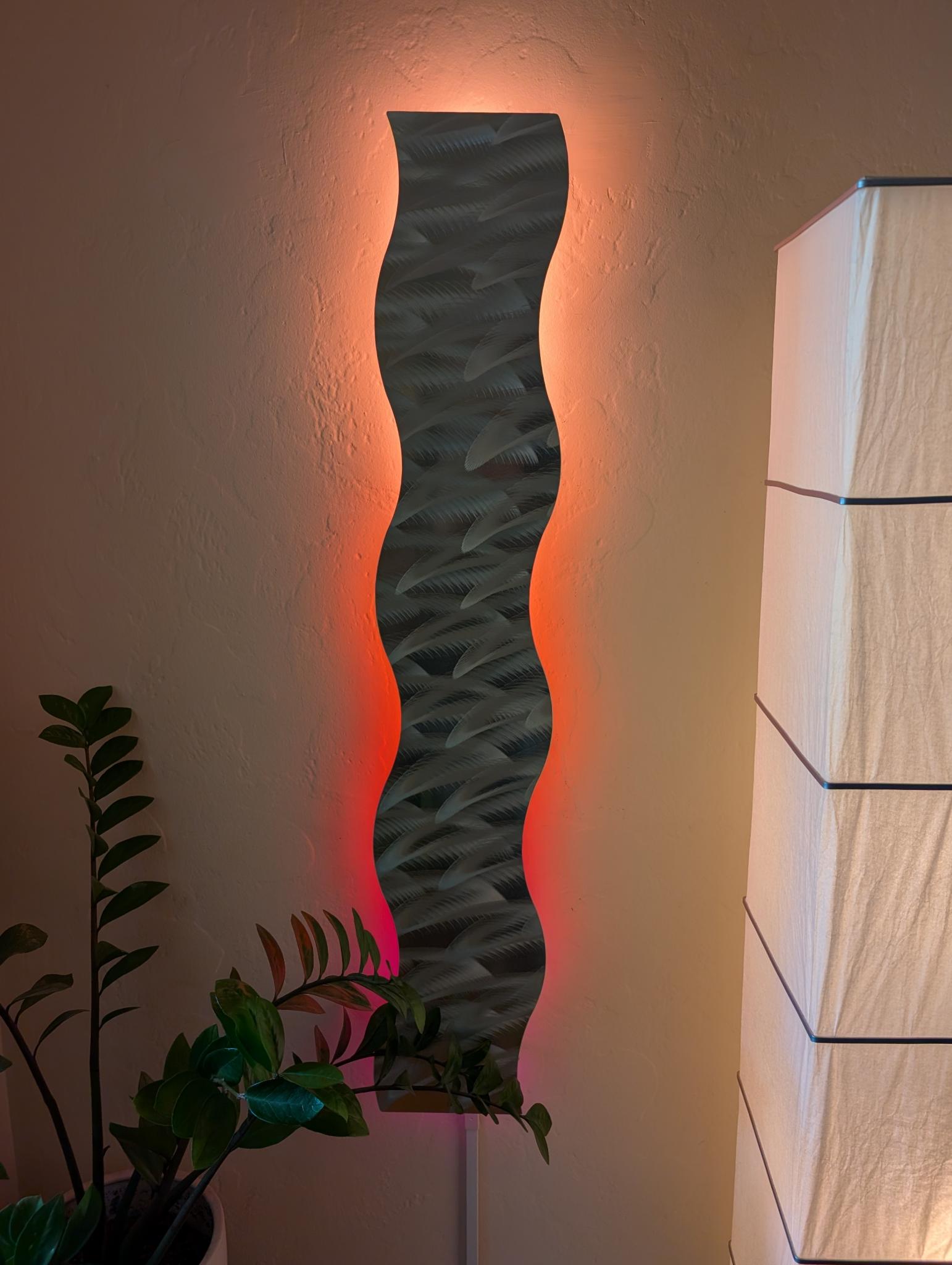
Several years ago, my parents got me a beautiful metal sculpture for my wall. It came with an LED strip that faces the wall and provides a colorful glow around the edge of the sculpture.
I had a wifi controller for the LED strip, but I had to flash custom firmware to make it compatible with Home Kit back when I used Apple to drive my smart home. It’s been two years since I switched to Home Assistant, and I finally got around to updating it this week.
The original LED strip could just produce a single color at a time. Since I needed a new controller anyway, I decided to upgrade the LEDs as well and replaced them with individually addressable pixels. Now, I can create multicolor gradients. This is the look in my “get ready for bed” scene that plays while I wind down for the day:
Library
Yesterday, I wanted to try a new cafe for brunch. There was (allegedly) an independent book store in the area that I was hoping to check out when I finished eating. I wandered a bit looking for the store, but stumbled on the local library along the way.
In Massachusetts, most public libraries belong to one of seven networks across the state. Your library card gets you access to any library within your network, even those outside of the town or city you live in. (For digital materials, your library card gets you access to every network in the state). My city is part of a network with 36 member libraries, including the one I stopped at.
I ended up spending the whole afternoon at there. Browsing the shelves gave me a forgotten sense of freedom and ease that I don’t get from scrolling through algorithmic feeds. I came across Anatomy of a Con Artist by Johnathan Walton, which I read from cover to cover while I was there. I also checked out two more books to take home. Another perk of the network setup is that I don’t need to return them where I got them. When I finish them, I can drop them off at my local library and they’ll make their way back to their home.